Into the
A minimalist, rolling-release, systemd-free desktop built on Void Linux and the suckless tools. Small programs you can read in an afternoon.
dwm, patched and themed in Abyss purple. A status bar with CPU, RAM and the clock. One Menu button for everything else. The idle desktop uses about 300 MB of RAM.
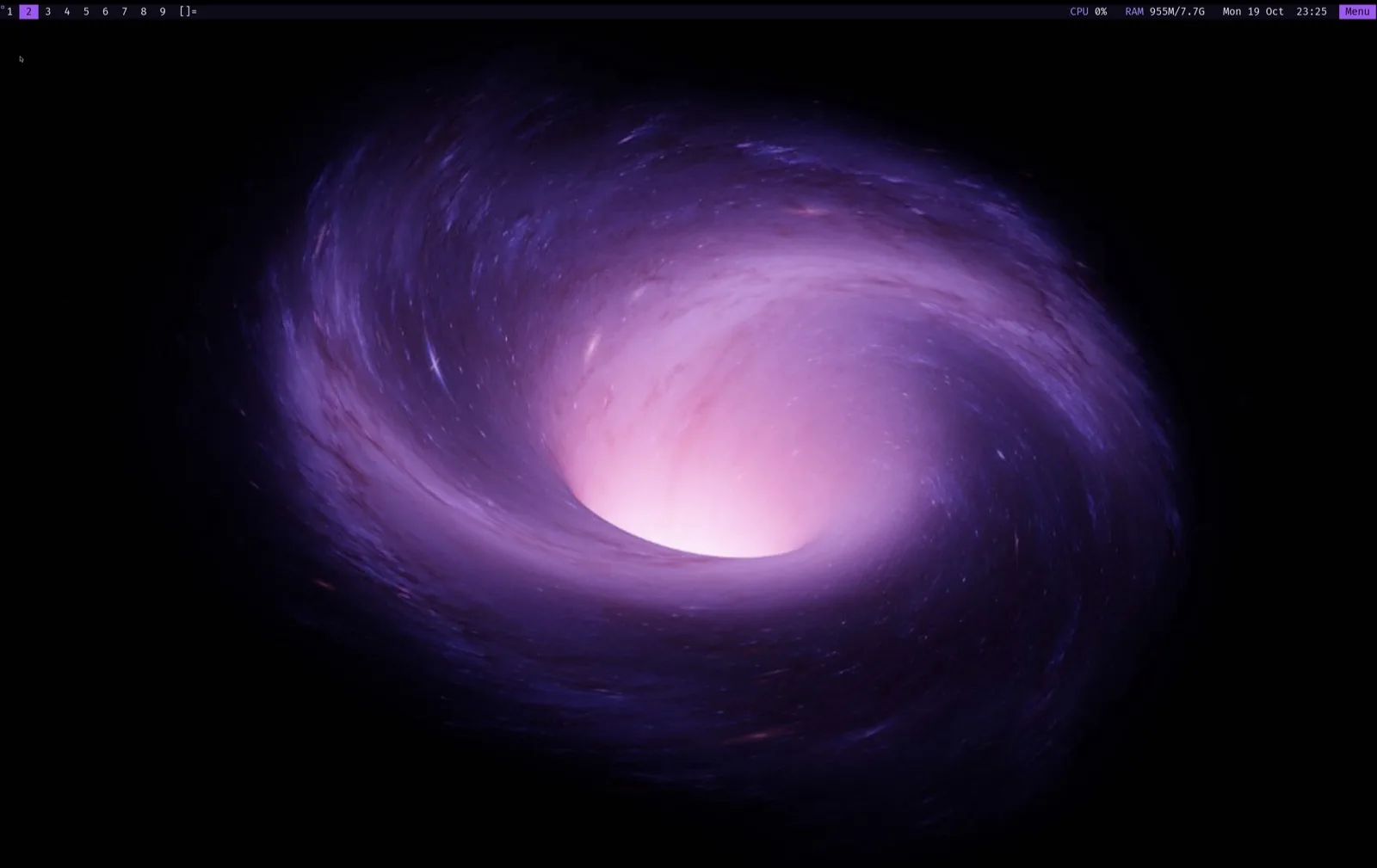
systray · status2d · vanitygaps · scratchpad · attachaside · autostart
Xft.dpi set automatically, 2× in Apple Virtualization
Apps, files, settings, tools and power in a single xmenu tree
For years I hopped from distro to distro. I wanted small programs I can read in an afternoon. A rolling release. No systemd. A minimal base. And not a fork of a fork. Void Linux met every one. Abyss is the desktop I built on top of it, packaged so anyone can use it.
— MrZaKaRiA, creator of Abyss Linux
It has to suck less.
dwm, st, dmenu, slock and tabbed. Configured in C, compiled in. The suckless philosophy of simplicity, clarity and frugality.
Rolling release.
No big-bang upgrades every six months. One command keeps everything current.
sudo xbps-install -SuNo systemd.
runit: a service is a directory with a run script. Boot takes seconds.
$ ls /etc/sv/sshd
run  supervise
$ cat /etc/sv/sshd/run
#!/bin/sh
exec /usr/bin/sshd -D
Minimal by default.
Start from almost nothing and add only what you need.
Not a fork.
100% Void underneath: Void's repos, kernel and tools. An independent base with its own package manager, XBPS, and its own build system, xbps-src.
A tour of the abyss
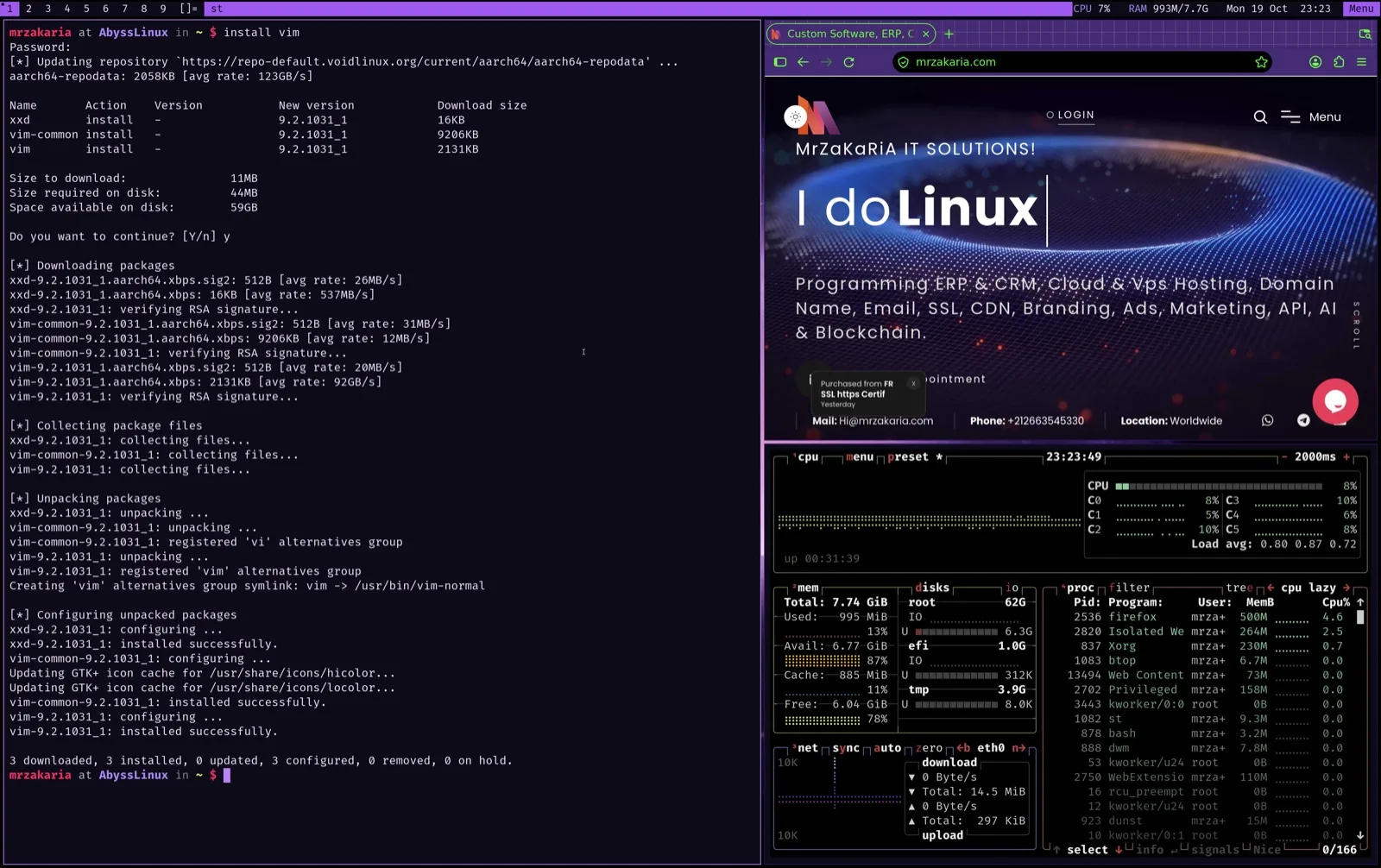
st, Firefox and btop tiled by dwm. Installing vim takes one word.
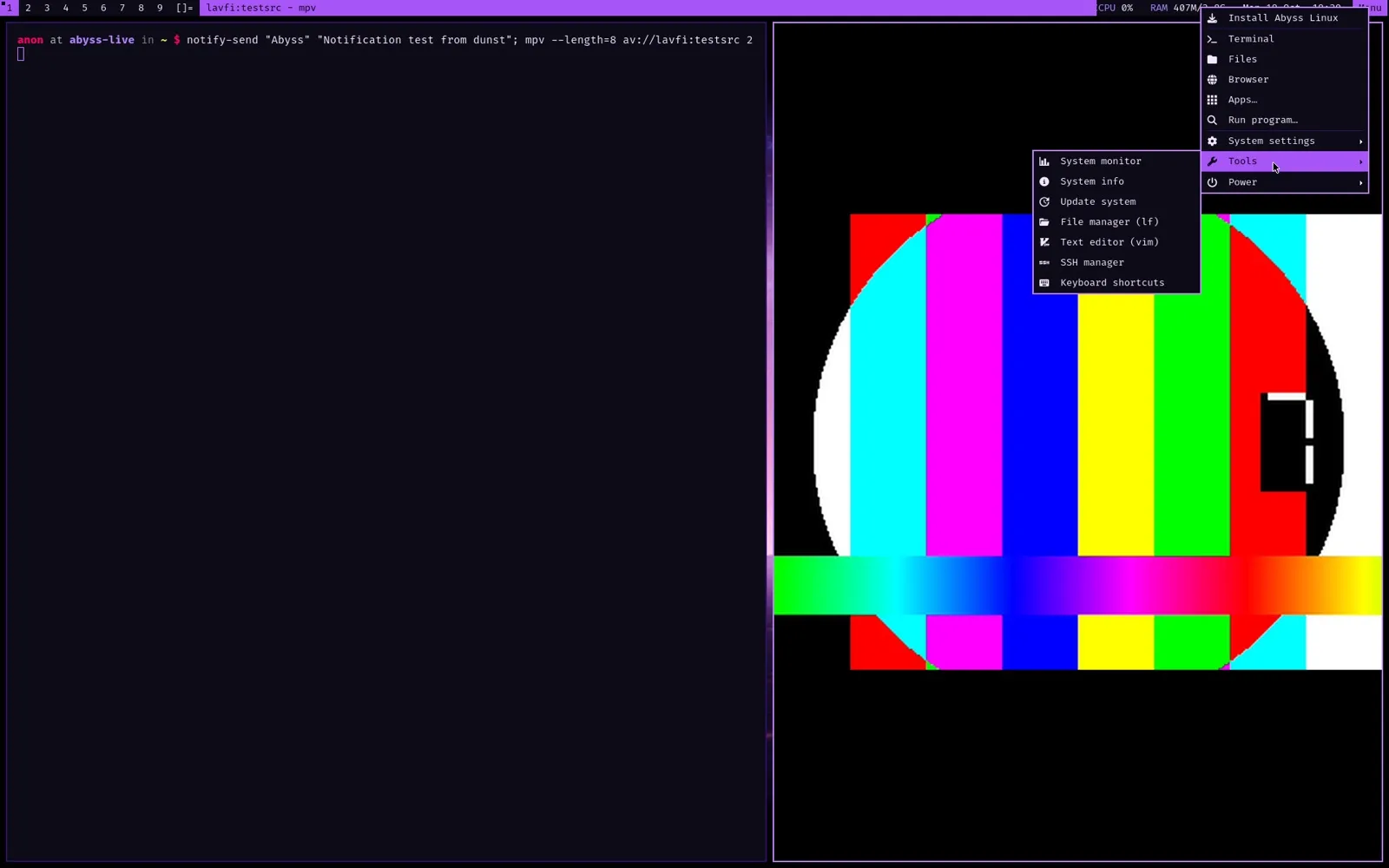
Apps, files, settings, tools and power in one xmenu tree. Super+Esc.
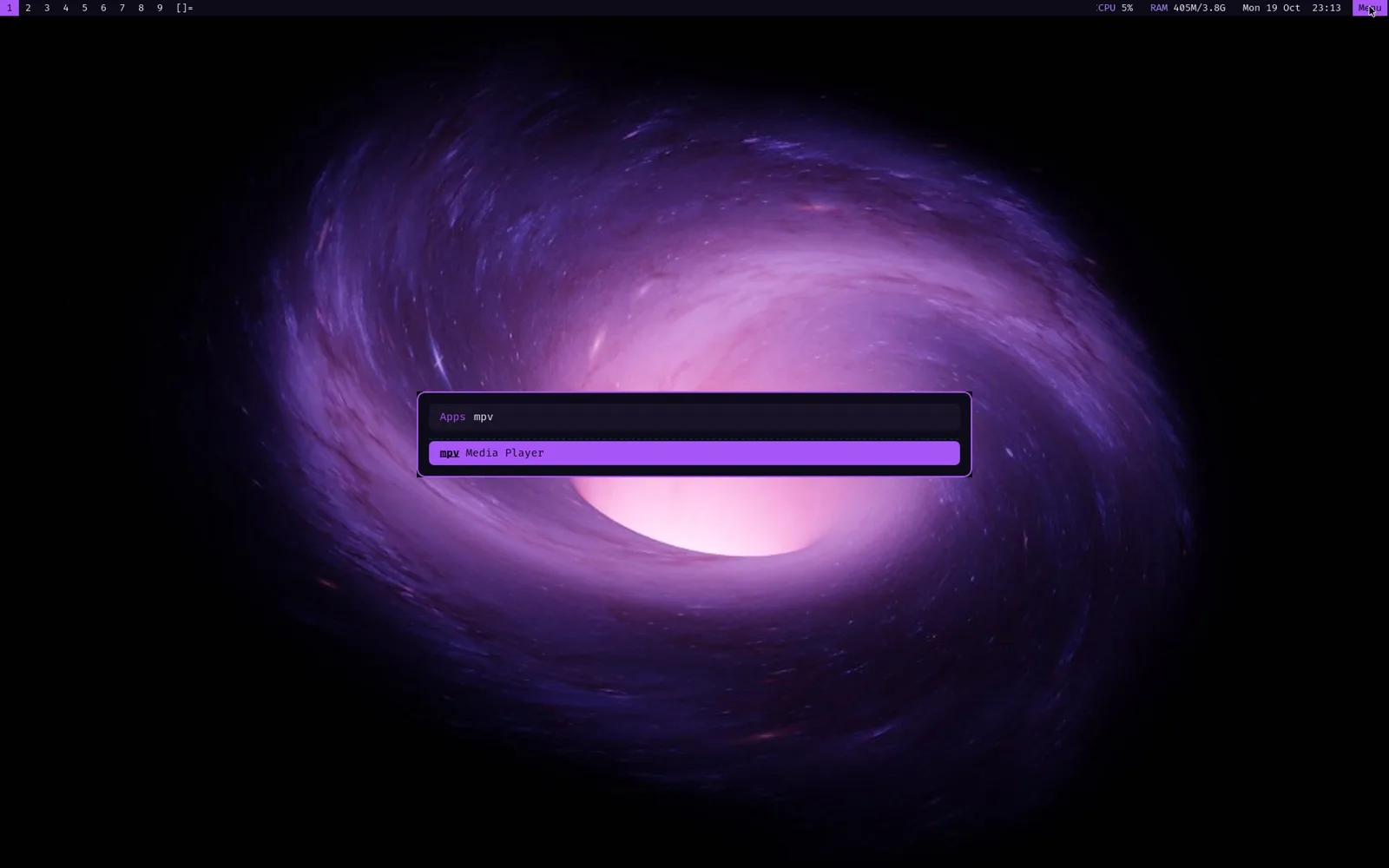
rofi for apps and windows on Super+Alt+r, dmenu on Super+p.
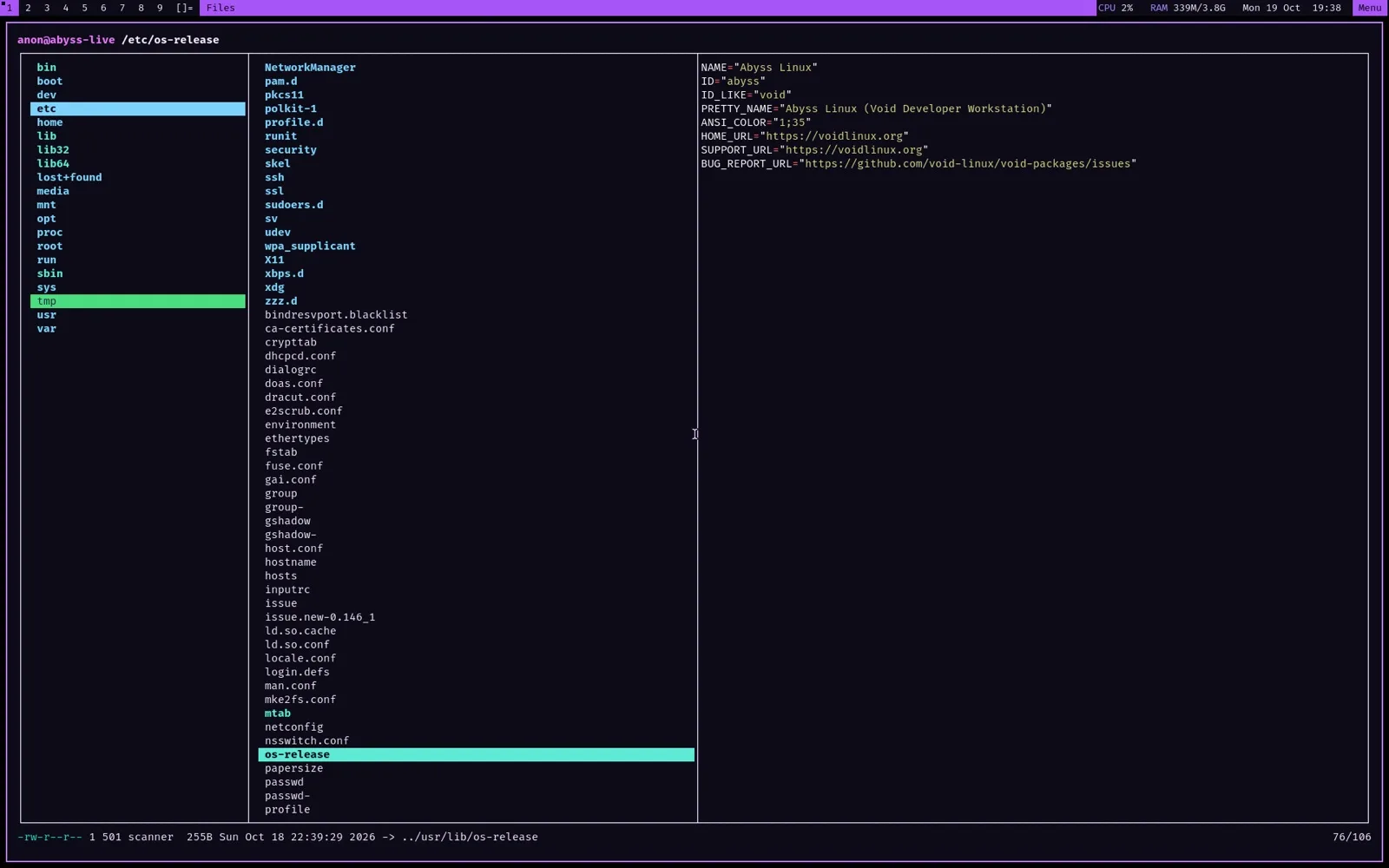
lf with previews: Enter opens text in vim, video in mpv, images in feh.
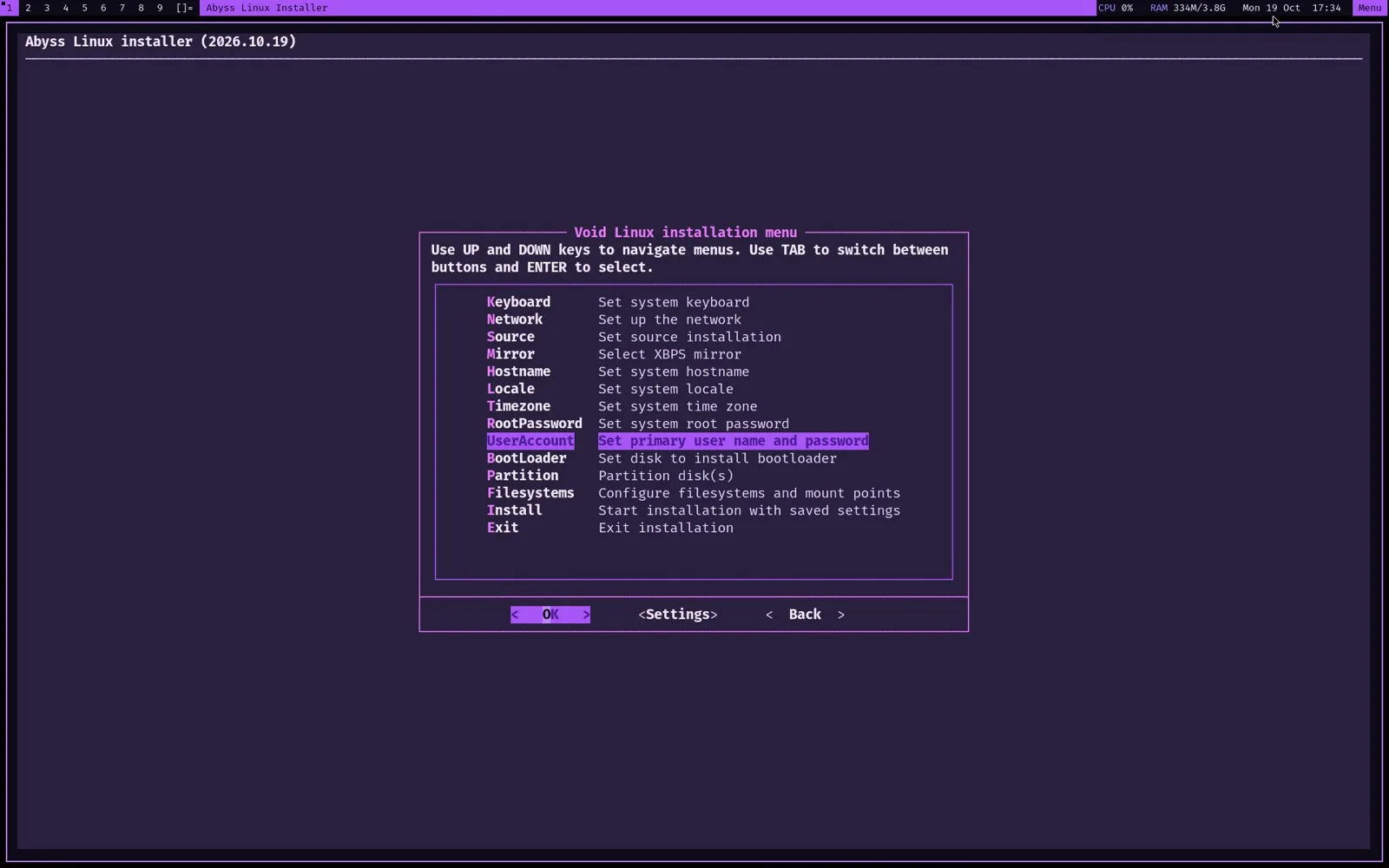
void-installer with one-step UEFI partitioning and a dark theme.
Super is the mod key. dwm grabs the essentials, sxhkd takes Super+Alt+letter, and media keys just work through PipeWire.
Open a terminal
The Void base, your apps and the Abyss suckless builds all update together. The patched dwm, st and dmenu come from the Abyss PMR: a signed XBPS repository built by GitHub Actions. New suckless releases arrive without a new ISO.
anon at abyss-live in ~ $
The installer is Void's own void-installer with Abyss changes: one-step automatic UEFI partitioning, a removable EFI fallback for VMs that forget NVRAM entries, and a clean login on first boot.
- 1
Boot the ISO
The boot is silent and lands right on the desktop. Hold Esc or Shift to see the GRUB menu.
- 2
Open the installer
Menu (top-right) → Install Abyss Linux. It opens in a large, dark, high-contrast terminal.
- 3
Answer three questions
Hostname, root password and your user account. Then Partition → auto.
- 4
Install
GPT, a 1 GB EFI partition and an ext4 root. The live system is copied, so no network is needed.
- 5
Reboot
Remove the ISO, log in on tty1, and the desktop starts on its own.
aarch64
UEFIApple Silicon (Apple Virtualization, UTM, Parallels), ARM64 servers and boards
Download ISORequirements
- 2 CPU cores
- 2 GB RAM (4 recommended)
- 16 GB disk
- UEFI or BIOS (x86_64)
Live session
Boots straight to the desktop as anon. Password and root password: voidlinux.